
Drawing and materials
| Tool | Key | How to use it |
|---|---|---|
| Brush | B | Paint freehand. Width is set in nanometres in the inspector. |
| Eraser | E | Paints vacuum back over anything. |
| Line | L | Drag a straight wall. Uses the brush width. |
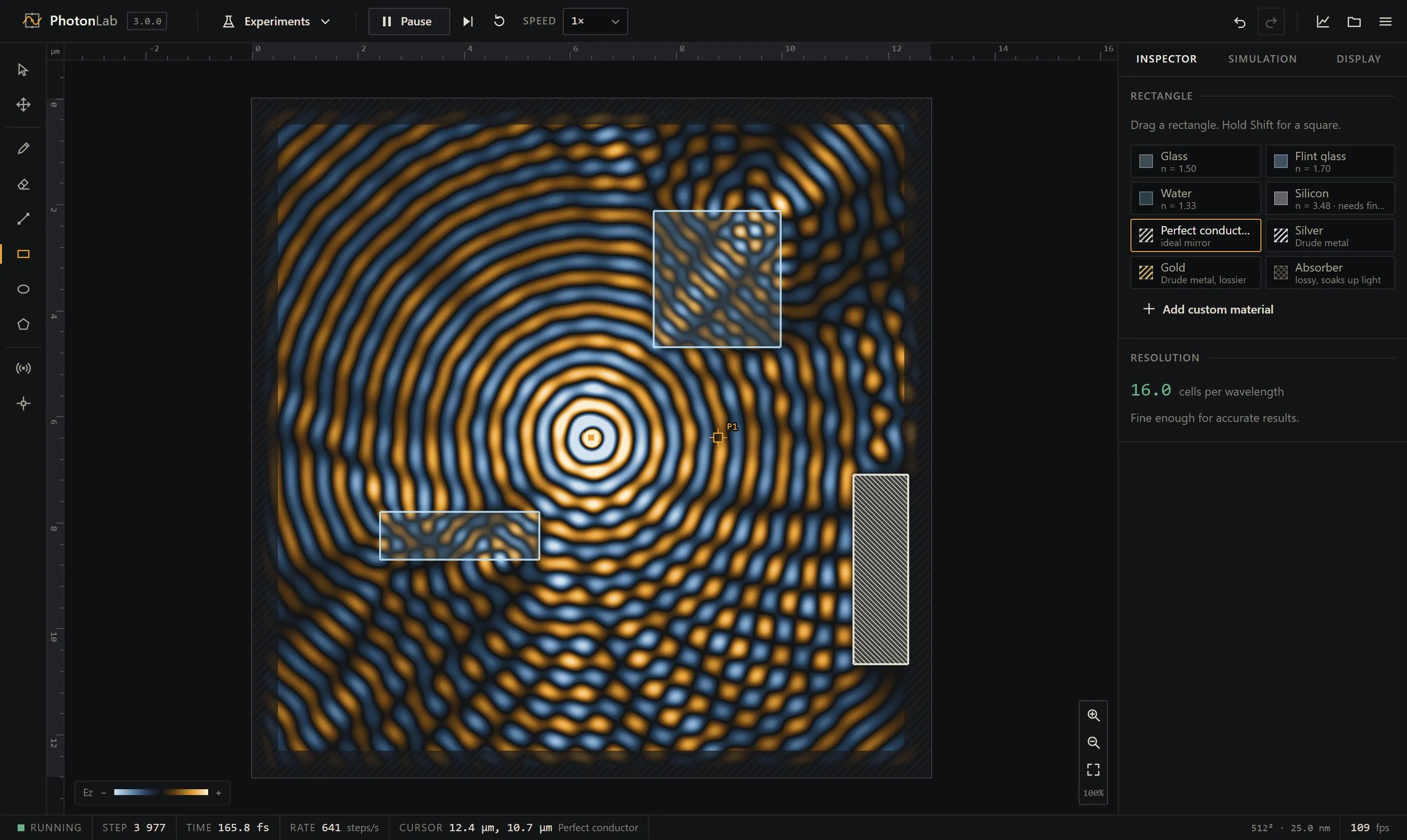
| Rectangle | R | Drag from corner to corner. Shift for a square. |
| Ellipse | O | Drag from the centre outward. Shift for a circle. |
| Polygon | G | Click the corners. Close it by clicking the first corner, pressing Enter or double-clicking. Esc cancels. |
While you drag, the size is shown next to the cursor. Shapes are stored as shapes, not as pixels: if you change the grid size later they are redrawn at the new resolution.
Materials
Section titled “Materials”| Material | What it is |
|---|---|
| Glass | Crown glass, n = 1.50. |
| Flint glass | Dense glass, n = 1.70. |
| Water | n = 1.33, its value for visible light. |
| Silicon | n = 3.48, its value in the near infrared. Light inside is 3.5 times shorter, so it needs a fine grid. |
| Perfect conductor | An ideal mirror: the tangential electric field is forced to zero. |
| Silver, Gold | Real metals described by the Drude model (see Polarization and metals). |
| Absorber | A lossy material that soaks up light over a few wavelengths. |
| Custom | Any refractive index from 1 to 6. Up to eight per scene. |
None of the dielectrics are dispersive: their index is the same at every wavelength. That keeps pulses clean, and it is accurate enough for glass and water across the visible range.
Editing what you drew
Section titled “Editing what you drew”Switch to the select tool (V) and click a shape. A dashed outline shows the selection, and the inspector lets you change its material. Drag to move it. Ctrl D duplicates, Delete removes it.
Later shapes are painted over earlier ones. To cut a hole in something, draw over it with the eraser or with a vacuum shape.
The resolution readout
Section titled “The resolution readout”Below the material list the inspector shows the number of grid cells per wavelength inside the densest material in the scene. Below 10 the waves start to travel at the wrong speed; below 6 the result is not meaningful. Units and resolution explains why and what to do about it.